

Office of Student Computing Resources
Tech Zones with lab computers, software, and in-person support to meet student and academic needs.
Any campus community member with a UA NetID may use OSCR Tech Zones.
The Office of Student Computing Resources (OSCR) operates Tech Zones on the University of Arizona’s main campus that include computer labs and in-person tech support. There are consultants to assist you with lab computers, using software, campus technologies, and troubleshooting your personally owned devices. Any campus community member with a UA NetID may use a Tech Zone.
OSCR Tech Zones
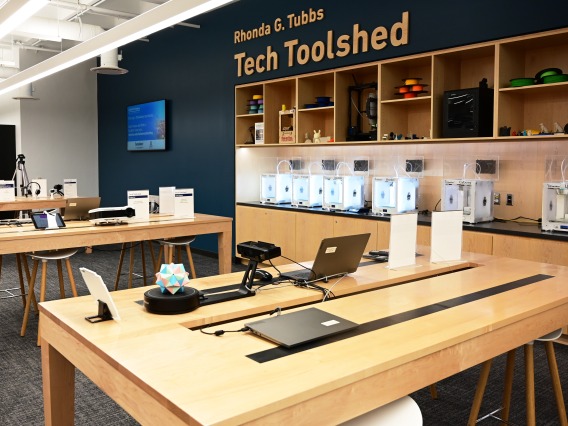
Use a lab computer, get consultant help with software, print from CatPrints kiosks
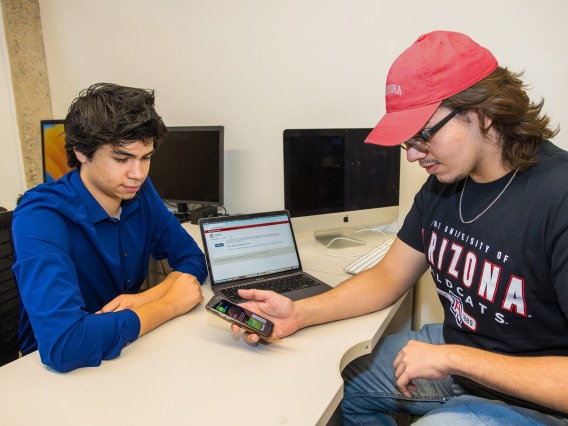
Get in-person tech support with University systems and your personally owned devices
- Main Library, lower level
- Student Union Memorial Center, lower level
- South Rec
- Global Center, upstairs
Tech support is still also available 24/7 over the phone or in chat—get 24/7 support

More Resources
Visit the University Libraries for information about the Library's computers in their study areas.
Borrow Technology from the Library (and get help at the OSCR Zone lab!).
Get a student job with OSCR or other UITS departments.

Phone: 520-621-OSCR (6727)
YouTube: OSCR Online